Unofficial student guide. Not the official portal and not the Government of Madhya Pradesh. This article gives only general checks for a website that will not load — the same checks that apply to any government portal. It gives no portal login steps, no per-error fixes, and no claim that any particular error has a particular cause. If the portal will not load for you, the checks below help you find out whether the problem is on your side, on the network, or on the portal itself.
Source status — read this first
Last checked: 17 November 2026 (morning, this run). The official portal https://www.tribal.mp.gov.in/MPTAAS has repeatedly failed to load from our own checks during November 2026 — timed out on 16 November 2026 (ERR_CONNECTION_TIMED_OUT, 10:04–10:05 PKT) and failed with ERR_CONNECTION_RESET on several earlier days, including 9, 11, 12, 13 and 14 November. On 13 and 14 November the whole tribal.mp.gov.in domain failed the same way, not just the /MPTAAS path. This morning (17 November 2026) it failed again in the live browser with ERR_CONNECTION_RESET.
A failed load proves nothing by itself. It does not prove the portal is permanently down, it does not prove it is under maintenance, and it confirms or refutes no date. It is recorded here only as the reason no live portal content could be read, and as the premise for this article: the portal genuinely does fail to load sometimes, so students need a way to tell a local problem from a portal-side problem.
No official MPTAAS 2026-27 announcement has been verified as of 17 November 2026 (Buddy4Study MP Scholarship Portal page, updated 2026-10-05, still says 2026-27 applications are “yet to be announced”). Whether the portal loads or not, there is no announced window to miss right now — check the announcement tracker: https://storiesifyhub.com/mptaas-scholarship-2026-27/
No per-error fix is given in this article, because no error message has been verified against an official source. Any site that claims a specific fix for a specific MPTAAS error code is guessing.
The short answer: work through the checks in order
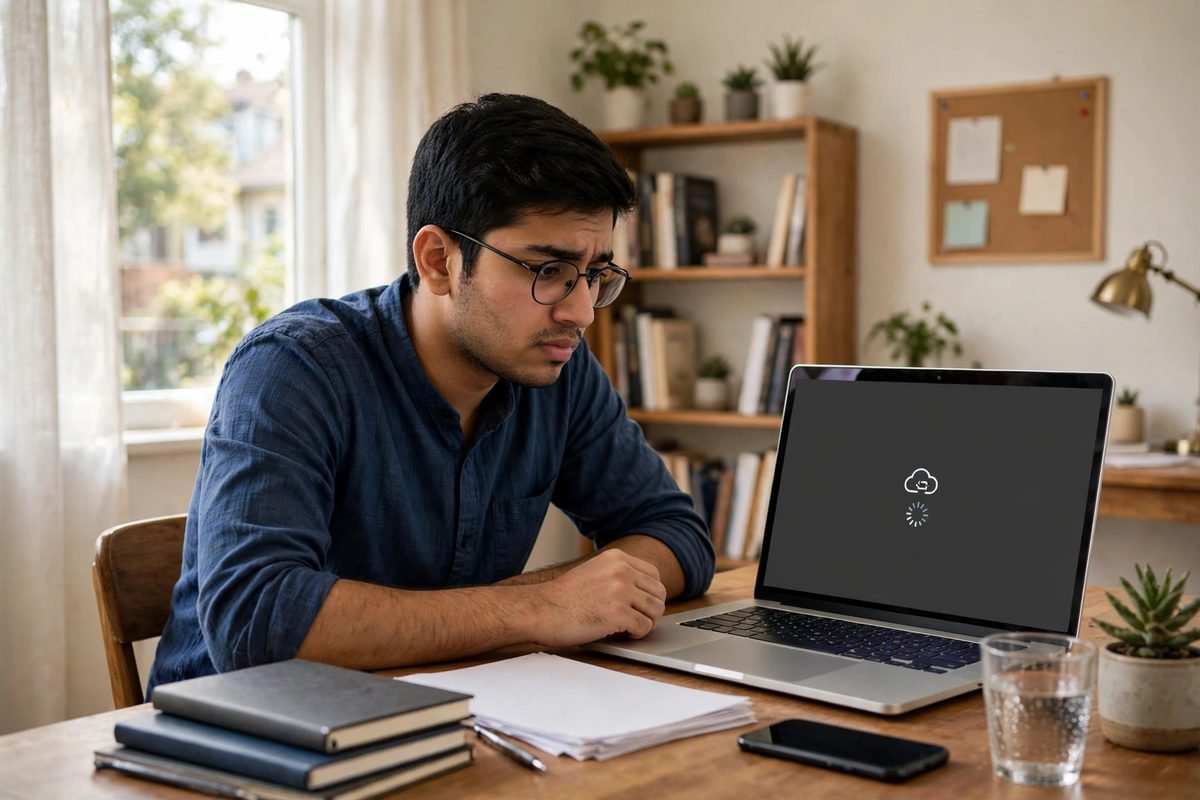
When a website will not load, the cause is usually one of four things: your own connection, your browser, heavy traffic at that moment, or the site itself. Work through the checks below in order, and stop as soon as one of them fixes it. Do not jump to the last check first, and do not keep reloading the same page dozens of times — repeated reloading during heavy traffic makes the problem worse, not better.
Check 1 — Is your own connection working?
Open a different well-known website (for example, a search engine). If that does not load either, the problem is your connection, not the portal: check that mobile data or Wi-Fi is on, move closer to the router, or switch between mobile data and Wi-Fi and try again.
If other sites load normally and only the MPTAAS portal fails, your connection is fine — move to Check 2.
If you are on a college or hostel network, try mobile data as well. Some institutional networks block or slow certain government domains; a different network is a quick way to find out.
Check 2 — Try a different browser, or a private window
Open the portal in a different browser (for example, if you normally use Chrome, try Firefox or Edge, or the browser on your phone). Browsers store different settings and extensions, and a problem in one browser often does not exist in another.
Alternatively, open a private or incognito window in the same browser. A private window loads the site without your saved cookies and extensions. If the portal loads in a private window but not in a normal window, the problem is in your browser’s saved data — go to Check 3.
Make sure the browser itself is up to date. A very old browser can fail on modern government sites for reasons that have nothing to do with the portal.
Check 3 — Clear the cache and cookies for the site, then reload once
A stale cached copy of the portal can keep showing an old error even after the site is back. Clear your browser’s cached images and files and cookies, close the browser completely, reopen it, and try the portal once.
Use a hard refresh (Ctrl + F5 on Windows, Cmd + Shift + R on Mac) instead of an ordinary reload: it forces the browser to fetch a fresh copy instead of the cached one.
Do this once, properly. Clearing the cache ten times in a row does not help more than clearing it once, and it signs you out of other sites.
Check 4 — Try again at a different time (peak time is real)
Government scholarship portals get very heavy traffic in the first days after a window opens, around last dates, and in the evening when students are free. A portal that times out at 7 pm may load normally at 7 am.
If the page times out, wait and retry after an hour or two — or early the next morning — rather than reloading continuously. Repeated reloading adds to the load that is causing the timeout.
There is no announced 2026-27 window right now (see the source status above), so a portal that will not load today is not costing you an application. Use the waiting time to get your documents ready instead: https://storiesifyhub.com/mptaas-common-mistakes/
Check 5 — Check whether the site itself is down or under maintenance
Try the department’s main site as well as the portal page. If the main site loads but the portal page does not, the problem is specific to the portal. If neither loads, the whole domain may be unreachable from your network at that moment.
Do not trust a random “is it down” site as proof, and do not trust social media posts claiming the portal is closed or the dates have changed. The only reliable check is the official portal itself, retried later, plus the announcement tracker on this site: https://storiesifyhub.com/mptaas-scholarship-2026-27/
Scheduled maintenance is usually announced on the portal itself — which you cannot read while it is down. That is why retrying later, rather than assuming, is the right move.
What NOT to do when the portal will not load
Do not keep submitting the same form. If a page fails halfway through a submission, do not submit again and again. A duplicate submission can create a duplicate application, which is itself a reason for delay or rejection.
Do not use a random “fix” site or a stranger’s link. Only use the official portal address. Links forwarded on WhatsApp or Telegram that claim to be the “new” MPTAAS portal are not official unless the department itself announces them.
Do not share your login details with anyone offering to “fix” your login. No official helpdesk asks for your password, and no stranger can fix a portal-side outage from your account.
Do not assume a timeout means your application is lost. A page that fails to load is not the same as a submitted application being deleted. If you submitted successfully and received an acknowledgement, the application is on the department’s side, not in your browser.
What to do while you wait
Get your documents ready: Samagra ID details, caste certificate, income certificate, bank account details, and your institute and course details. Check that the details on Samagra match your certificates — a mismatch is the most common reason an application is held up after submission.
Read the complete guide so you know the stages that follow the application: https://storiesifyhub.com/mptaas-scholarship/
Check the announcement tracker for the 2026-27 window, rather than a secondary site’s tentative dates: https://storiesifyhub.com/mptaas-scholarship-2026-27/
If the portal has been unreachable for several days and the window is open, the practical next step is to ask your institute’s scholarship coordinator whether other students are facing the same problem — a college-wide problem is handled differently from a problem on one phone.
When to stop troubleshooting and ask for help
If the portal loads for other students on the same network but not for you, after Checks 1–3, the problem is likely in your device or browser profile — try another device before anything else.
If it loads for nobody, at different times of day and on different networks, the problem is on the portal’s side, and there is nothing a student can fix from their own device. Wait, retry later, and keep your documents ready.
Never pay anyone who claims they can get your application through while the portal is down. There is no such service.
Related guides on this site
- MPTAAS Scholarship 2026-27: What Is Announced and What Is Not Yet Announced: https://storiesifyhub.com/mptaas-scholarship-2026-27/
- MPTAAS Scholarship: Complete Guide for Madhya Pradesh Students: https://storiesifyhub.com/mptaas-scholarship/
- MPTAAS Common Mistakes That Delay or Reject Applications: Checklist: https://storiesifyhub.com/mptaas-common-mistakes/
- MPTAAS vs MP Scholarship Portal 2.0: Why Sources Disagree on Which Portal: https://storiesifyhub.com/mptaas-vs-mp-scholarship-portal-2/
- MPTAAS Scholarship FAQs: Student Questions Answered: https://storiesifyhub.com/mptaas-scholarship-faqs/
- NSP OTR Explained: One Time Registration for National Scholarship Portal Schemes Only: https://storiesifyhub.com/nsp-otr-explained/
- MPTAAS Scholarship Timeline: From Application to Payment (Typical Cycle): https://storiesifyhub.com/mptaas-scholarship-timeline/
FAQs
Why is the MPTAAS portal not opening?
There is no single verified reason. The possible causes, in order, are your own connection, your browser or its saved data, heavy traffic at that moment, or the portal itself being unreachable. Work through Checks 1–5 in this article to find out which one applies to you.
Is the MPTAAS portal down permanently?
No such thing has been verified. The portal has repeatedly failed to load from our own checks during November 2026 (timeouts and connection resets), but a failed load proves nothing about the site being permanently down. Retry later, at a different time of day and on a different network, before concluding anything.
Should I keep reloading the page?
No. Repeated reloading during heavy traffic adds to the load. Retry after an hour or two, or early the next morning, and use a hard refresh (Ctrl + F5) once instead of ordinary reloads.
I cleared my cache and it still will not load. What now?
Try a different browser and a different network (mobile data instead of Wi-Fi, or vice versa). If it fails everywhere, at different times of day, the problem is on the portal’s side and there is nothing to fix from your device — wait and retry later.
Could the portal not loading mean I have missed the application window?
No. As of 17 November 2026, no 2026-27 application window has been officially announced, so there is no window to miss right now. Check the announcement tracker: https://storiesifyhub.com/mptaas-scholarship-2026-27/
Is there another official link for the MPTAAS portal?
The official portal address is tribal.mp.gov.in/MPTAAS. Do not use a different link forwarded on WhatsApp or social media unless the department itself announces it. Note that the MP Scholarship Portal 2.0 (hescholarship.mp.gov.in) is a different portal for different schemes — which portal covers which student is itself disputed between sources: https://storiesifyhub.com/mptaas-vs-mp-scholarship-portal-2/

2 thoughts on “MPTAAS Portal Not Working? Checks to Try Before Anything Else”