
Unofficial student guide. Not the official MPTAAS portal and not the Government of Madhya Pradesh.
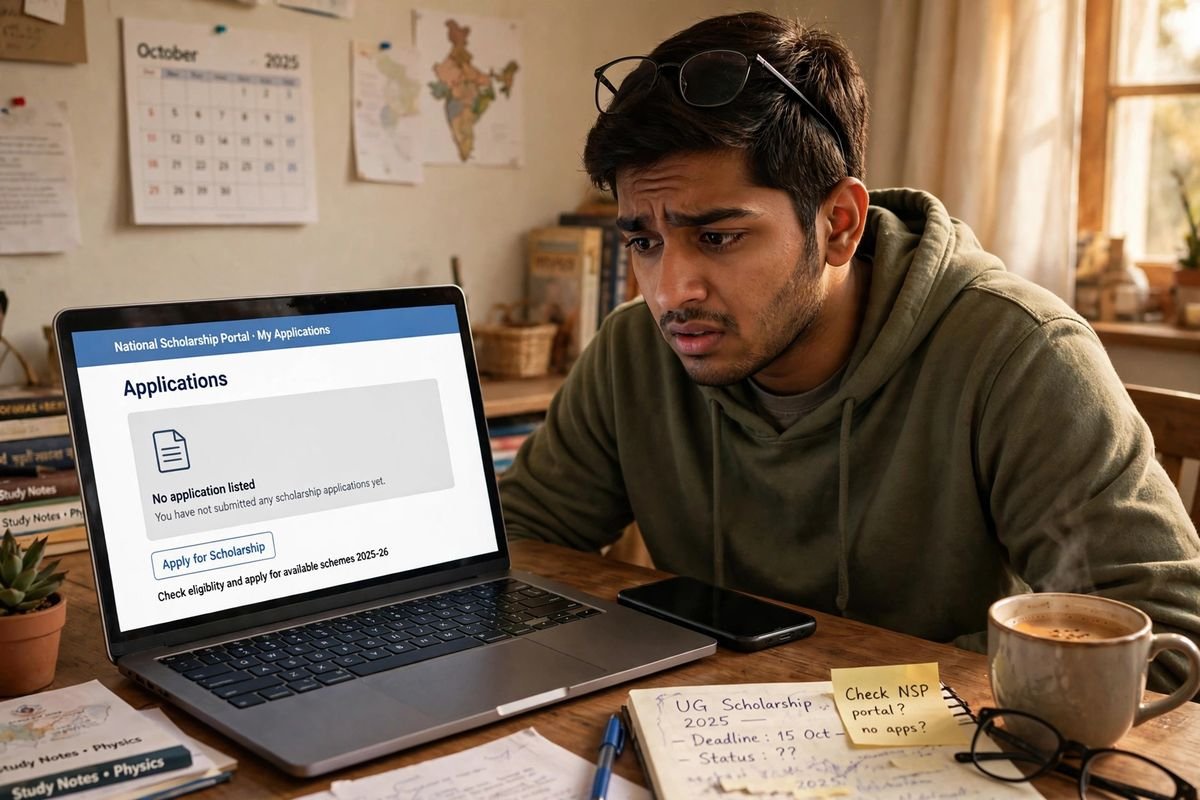
You submitted the application. You are sure you did. You log in, open the status page — and there is nothing there. No application, no status, no record. This is one of the most reported MPTAAS problems, and it has more than one cause, which is why it needs a checklist rather than a single answer. This article gives the troubleshooting checks in order, in principle only. It is not a set of portal steps, and it does not claim to know which cause applies to your application. There is no published official MPTAAS student manual that describes why a submitted application does not show, and the official portal has not loaded in any of our live checks — so every check below is secondary-reported and labelled as such, and no cause, timeline or procedure here is stated as an official fact. Work through the checks in order; do not skip to the last one.
Source status — checked 24 November 2026
What is verified: secondary sources agree that a submitted application sometimes does not appear on the status page, and they agree on the broad set of causes — a submission that did not complete, the wrong academic year or scheme selected, a login or profile mismatch, the institute not yet having forwarded the application, and portal display problems. What is NOT verified: which of these causes applies to any particular application, how the portal’s status page is actually organised, and how long it takes for a submitted application to appear. The official portal https://www.tribal.mp.gov.in/MPTAAS did not load in our live check this morning (09:57 PKT, 24 November 2026 — ERR_CONNECTION_RESET on two attempts, initial load and one reload). One secondary source claims a submitted status generally takes 15 to 30 days to update; that is a secondary-only timeline claim, it conflicts with other timelines quoted elsewhere on this site, and it is NOT stated as fact anywhere in this article. This article states NO timeline, NO date and NO helpline as fact.
Check 1: Did the submission actually complete?
This is the first check because it is the most common cause and the easiest to rule out. Secondary sources agree on the test: an application that was filled in but never finally submitted will not appear on the status page, because as far as the portal is concerned it does not exist yet. One secondary source puts it plainly — applications sometimes do not appear in status if they were not submitted successfully, and the student should check it with a confirmation receipt.
What to do: find the confirmation or acknowledgement you received when you submitted. It may be a confirmation number, an acknowledgement slip, a downloaded receipt, or an SMS. If you have one, the submission completed and the problem is elsewhere — move to Check 2. If you have no confirmation of any kind, you cannot be sure the submission completed. In that case, log in again and look for the application in draft or incomplete form, or for a submit button still showing. If the application is sitting as a draft, submit it — and this time, save or screenshot the confirmation before you leave the page. Do not assume a form you filled in was submitted. The confirmation is the proof.
Check 2: Are you looking at the right year and the right scheme?
The second most common cause is looking in the wrong place. The MPTAAS portal holds applications for more than one academic year and more than one scheme, and secondary sources report that the status page asks you to select the academic year and the scheme before it shows anything. If you select the wrong year — last year’s application when you are looking for this year’s, or this year’s when the application you submitted belongs to the previous session — the page will show nothing, and that nothing looks exactly like a missing application.
What to do: check that you have selected the academic year 2026-27 for a 2026-27 application, and the post-matric scheme you actually applied under. Then check the other years as well, one at a time, to see whether the application is listed under a different year. Do the same for the scheme selection if the portal offers one. This check costs two minutes and resolves a large share of “not showing” reports. Our announcement tracker explains why the 2026-27 window itself is still not officially announced — which is a separate question from whether your own application was submitted.
Check 3: Are you logged in to the right profile?
A submitted application is tied to the profile that submitted it. If you log in with a different user ID, a different Samagra ID, or a profile created for a different scheme, the portal will show you that profile’s applications — which may be none. Secondary sources also report Samagra, Aadhaar and bank-detail mismatches as a possible cause of an application not appearing: if the details on the application do not match the profile, the record may not link up.
What to do: confirm you are logged in with the same user ID and password you used to submit the application. If you have more than one profile — for example, one created on the MPTAAS portal and one on the MP Scholarship Portal 2.0 — check both, because secondary sources disagree on which portal holds which category’s applications and our portal-2.0 article documents that disagreement. If the details on your profile do not match your Aadhaar card or your Samagra record, do not try to fix them on the portal yourself without knowing which record is authoritative — ask your institute scholarship coordinator which record the institute holds, and read our institute-verification article for what the institute checks. Never share your login password with anyone offering to check your application for you.
Check 4: Has your institute forwarded the application?
An application that has been submitted but not yet verified by the institute may not show the status you expect. Secondary sources agree that an application can sit unshown or un-updated while the nodal officer at the college has not verified it, and one source advises students to go to the college and remind the nodal officer. This is not the same as Check 1: the application exists and was submitted, but it has not moved past the institute, so the status page may show nothing meaningful or may show the application as pending at the institute.
What to do: ask your institute scholarship coordinator or nodal officer whether your application has been received at the institute and whether it has been forwarded. Our institute-verification article gives the exact questions to ask and the documents to carry. If the institute has not received it, go back to Check 1 — the submission may not have completed. If the institute has received it but not forwarded it, the institute checklist is the right next step, not more portal checks.
Check 5: Is the portal itself the problem?
Sometimes the problem is not your application at all. The official portal has not loaded in any of our live checks over the last three weeks — it times out or resets the connection — and secondary sources report the same experience from students. A portal that does not load, or that loads partially, can show an empty status page for a perfectly good application. There is also the possibility of a display lag: the status page may simply not have updated yet after submission.
What to do: first, run the generic checks in our portal-not-working article — a different browser, cleared cache, a different device, and trying again outside peak hours — and do not repeat them here. Second, try again after a gap rather than refreshing repeatedly; a display lag, if that is the cause, resolves with time, not with clicks. Third, do not treat a single failed load as proof that your application is missing. A failed load proves nothing about your application, just as it proves nothing about the portal being permanently down. If the portal does not load at all, none of the checks above can be completed on the portal, and the institute is the only place that can confirm whether your application exists.
What not to do
Do not submit a second, duplicate application because the first one does not show. A duplicate profile is listed in secondary sources as a rejection reason, and our rejected-applications article documents it. Do not pay anyone who promises to find or restore your application. No fee is part of any verified MPTAAS procedure on this site. Do not assume a fixed waiting time: the 15-to-30-day figure quoted by one secondary source is secondary-only, it conflicts with other timelines, and it is not stated as fact in this article or anywhere on this site. And do not conclude from an empty status page that you have been rejected — rejection is a status with a reason, covered in our rejected-applications article, and an empty page is not a rejection.
FAQs
I submitted my application but the status page is empty. What first?
Check for a confirmation receipt. If you have one, the submission completed and the problem is elsewhere — work through the checks in order. If you have none, the submission may not have completed.
Could I be looking at the wrong academic year?
Yes. The status page is reported to ask for the academic year and scheme first. Select 2026-27 for a 2026-27 application, and check the other years one at a time to see whether the application is listed under a different year.
My institute says it has not received my application. What does that mean?
It means the application may not have been submitted successfully, or it may be under a different profile. Go back to Check 1 and Check 3 before assuming anything else.
The portal will not load at all. Is my application lost?
No — a failed load proves nothing about your application. The portal has not loaded in our live checks for three weeks. Try the generic checks in our portal-not-working article, and ask your institute whether it has received your application.
How long should I wait before worrying?
No verified timeline exists, and the 15-to-30-day figure quoted by one secondary source is not stated as fact on this site. If you have a confirmation receipt and the institute has received the application, the application exists; the question is where it is in the verification chain, which our status-meanings and verification-pending articles explain.
Should I submit the application again?
Not until you have worked through the checks. A duplicate application is reported as a rejection reason. Confirm first whether the original submission exists, with the institute if the portal will not tell you.

1 thought on “MPTAAS Application Submitted But Not Showing — Troubleshooting Checks”